設定 BLADE RackSwitch G8124 (介面 UI 變更 IP Address Mgmt)

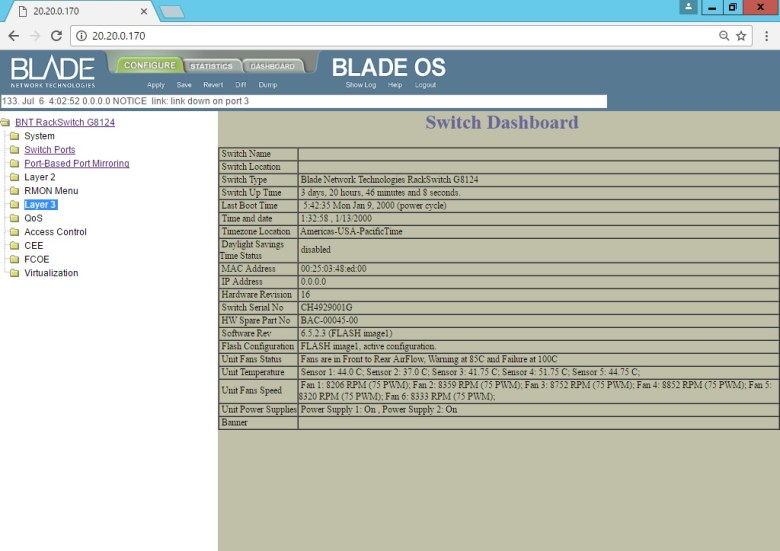
點選 CONFIGURE
點選 BNT RackSwitch G8124
點選 Layer 3
Set BLADE RackSwitch G8124 (Interface UI Change IP Address Mgmt) (1)

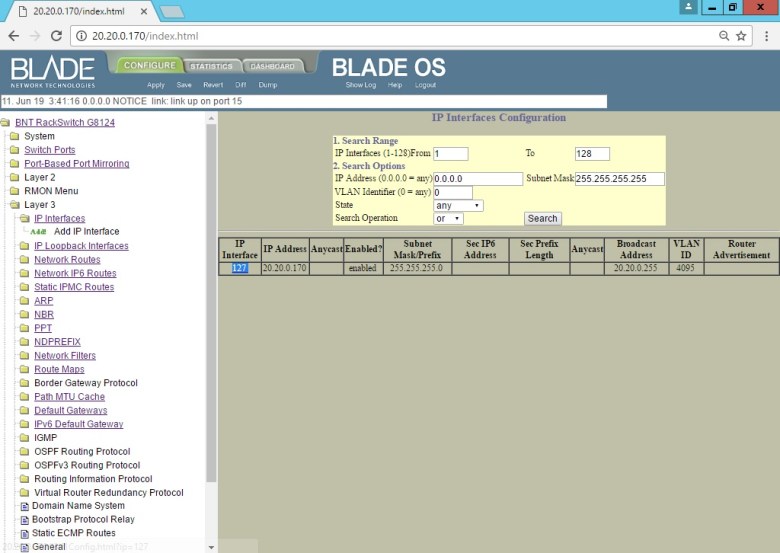
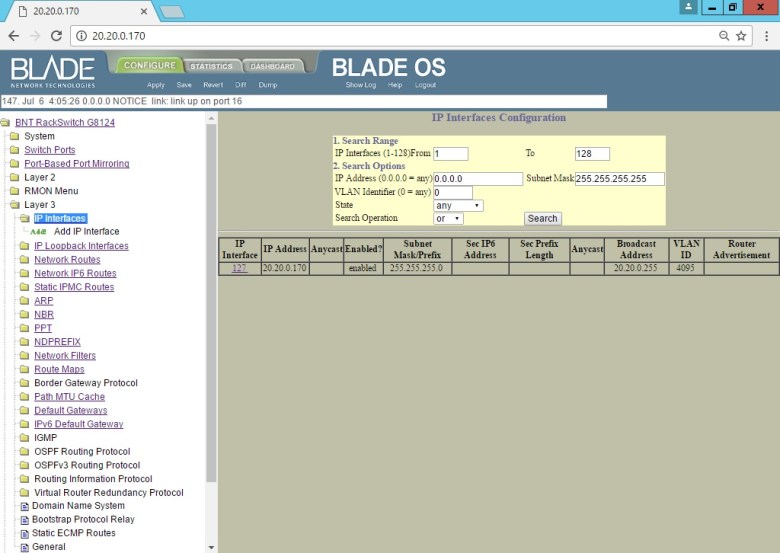
點選 IP Interfaces
確認 目前已啟用 20.20.0.170 (IP Address)
Set BLADE RackSwitch G8124 (Interface UI Change IP Address Mgmt) (2)

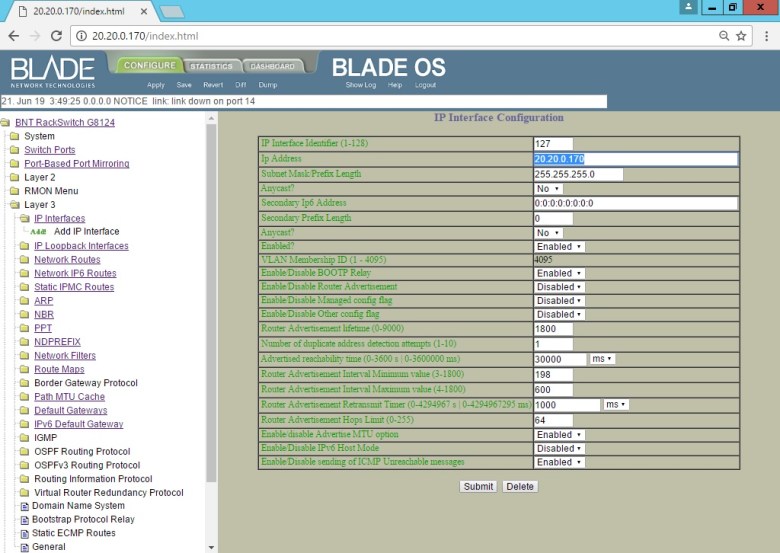
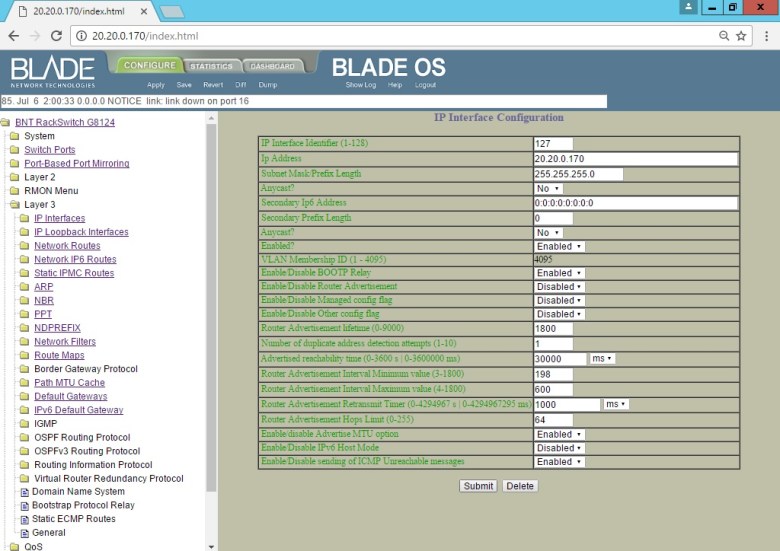
點選 IP Interface (127)
Set BLADE RackSwitch G8124 (Interface UI Change IP Address Mgmt) (3)

[ Ps.可以變更 IP Interface Identifier (識別碼) ]
Set BLADE RackSwitch G8124 (Interface UI Change IP Address Mgmt) (4)

輸入 IP Address (20.20.0.170)
Set BLADE RackSwitch G8124 (Interface UI Change IP Address Mgmt) (5)

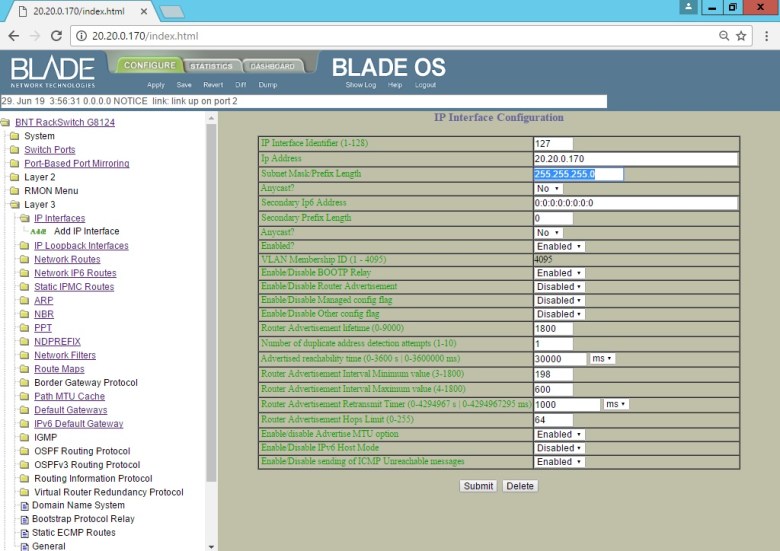
輸入 Subnet Mask (255.255.255.0)
Set BLADE RackSwitch G8124 (Interface UI Change IP Address Mgmt) (6)

[ Ps.Important: The default VLAN ID 4095 is used for internal communications between the advanced management module and the blade servers. Do not remove this VLAN. ]
Set BLADE RackSwitch G8124 (Interface UI Change IP Address Mgmt) (7)

點選 Submit
點選 Save
點選 Apply
[ Ps.如有進行任何變更 ]
Set BLADE RackSwitch G8124 (Interface UI Change IP Address Mgmt) (8)

WeiYao
0

發表留言